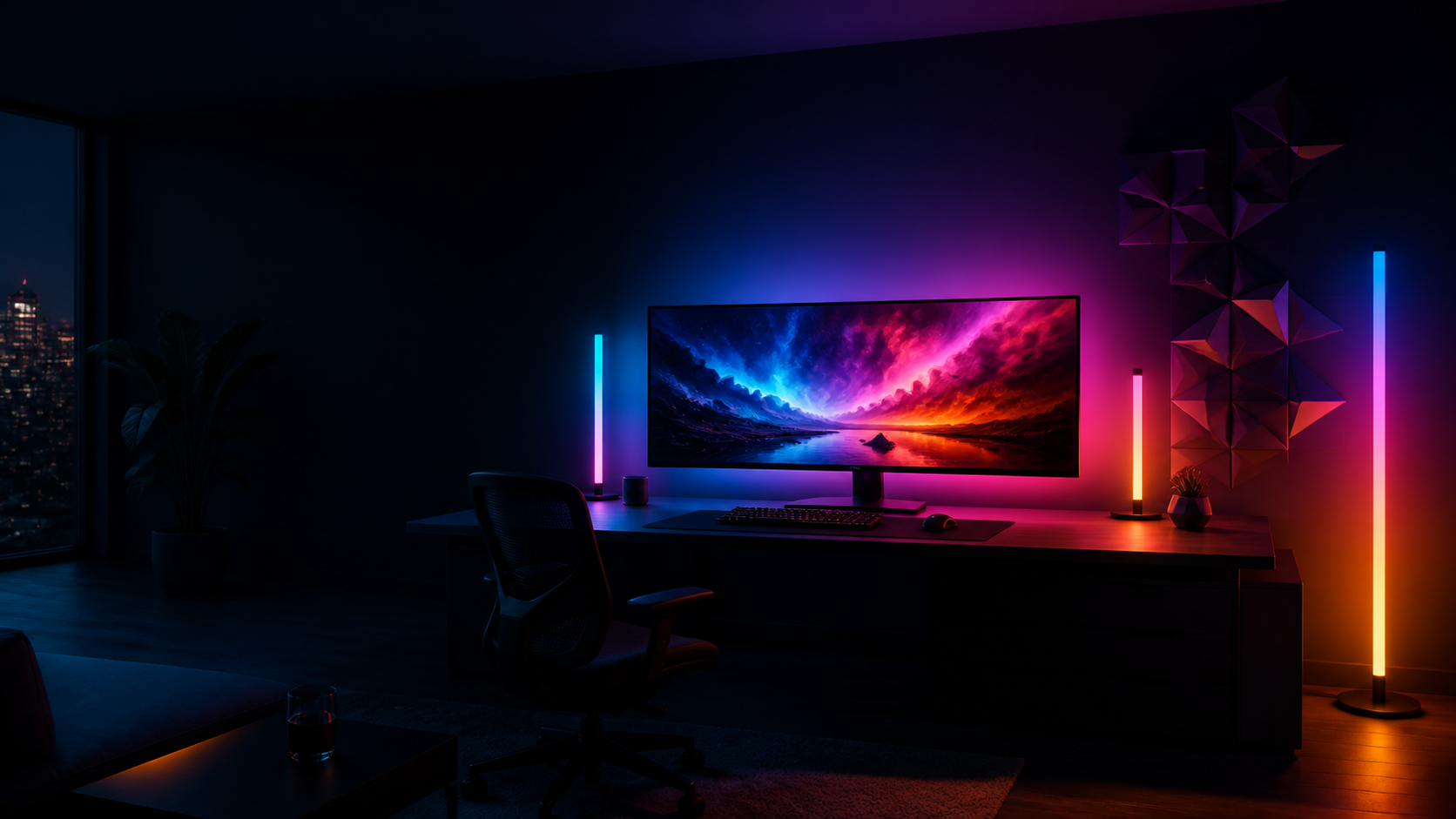
MusicSync.
Feel every beat.
Your lights pulse with the rhythm. Choose your own color with System Audio, or let Apple Music album artwork set the mood. For colors that follow your screen, use LightSync.
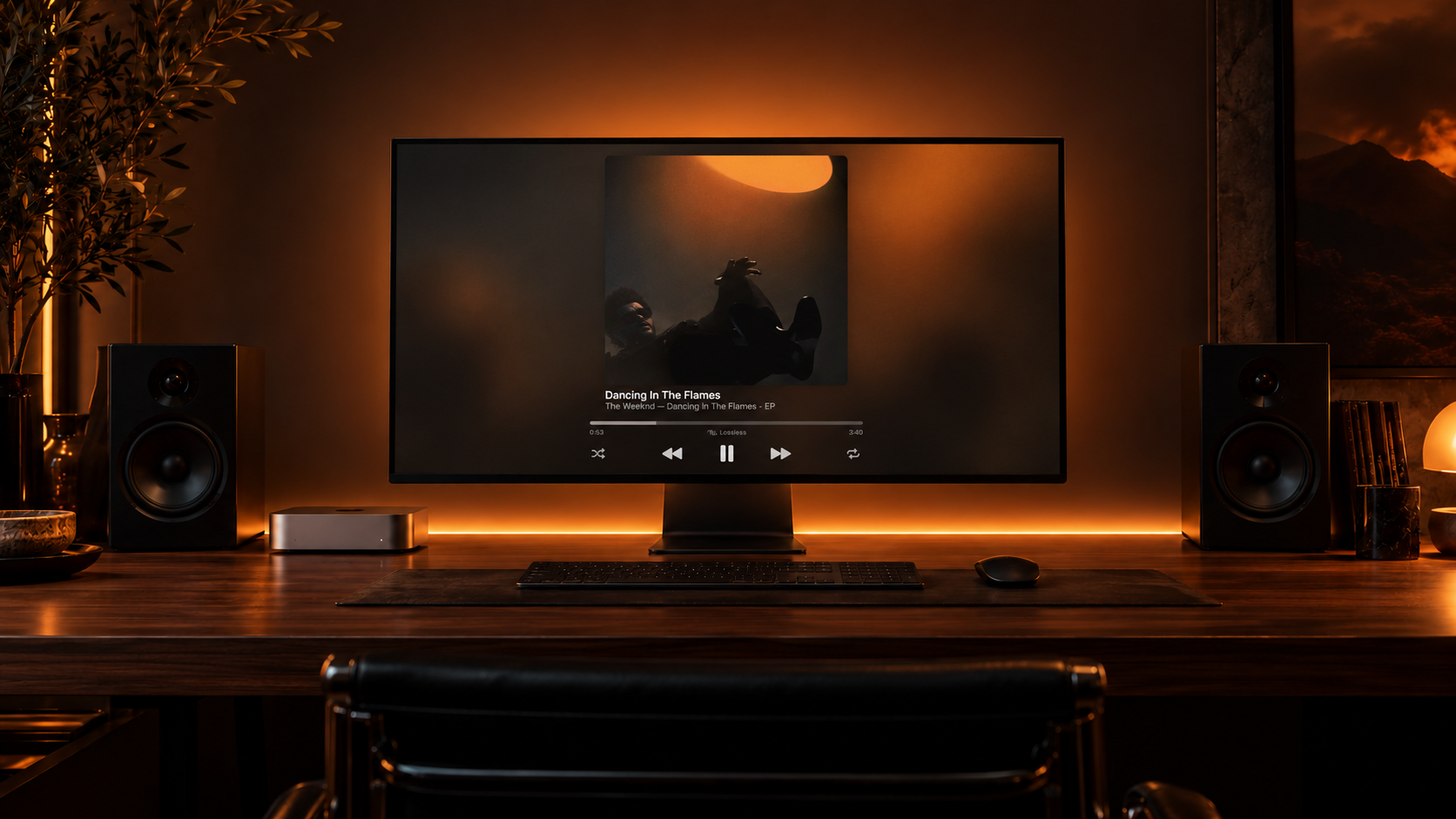
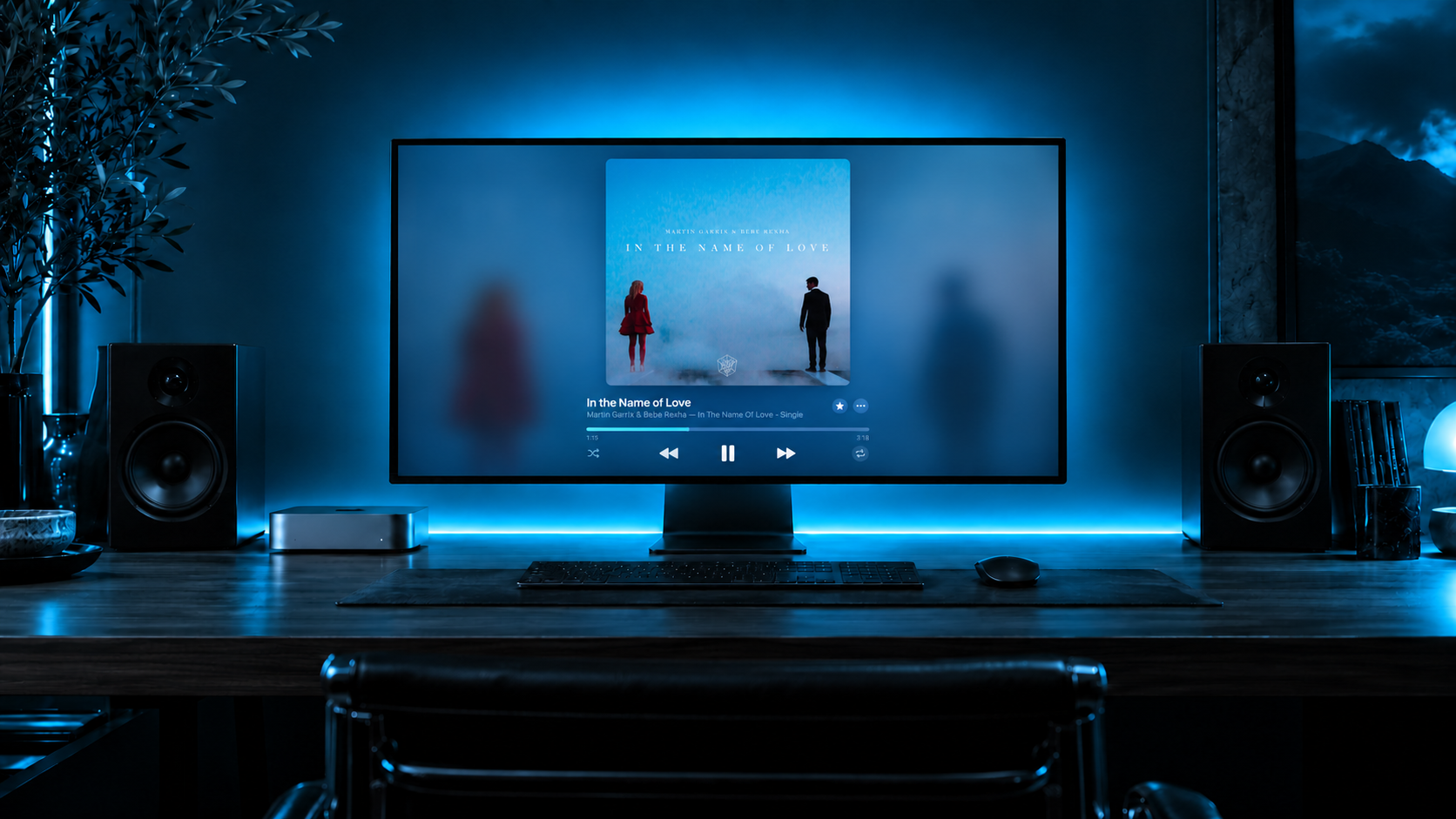
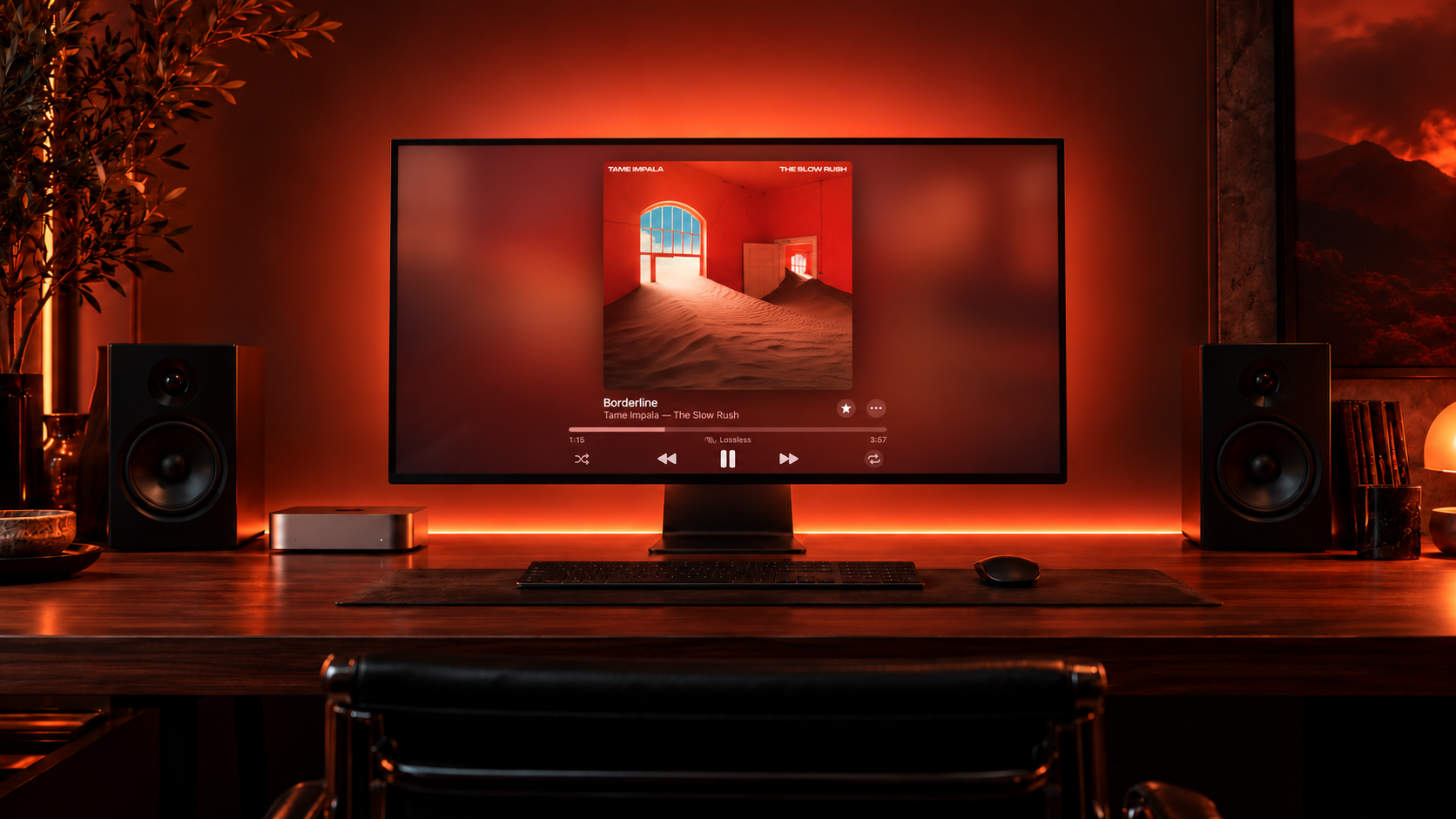
A NEW KIND OF AMBIENCE
Feel the scene,
not the software.
LightSync analyzes your screen and matches your lights to the colors you see.
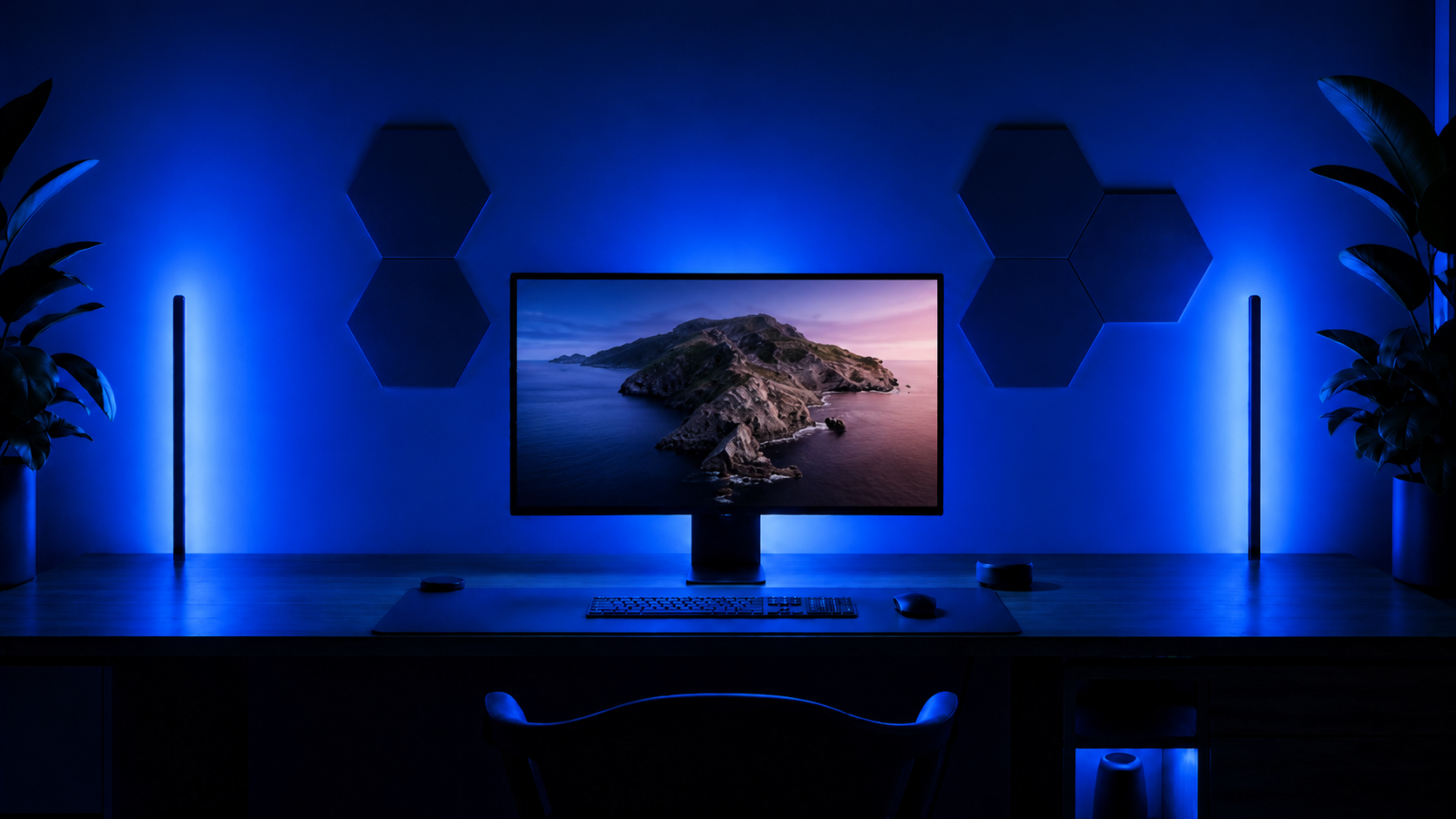
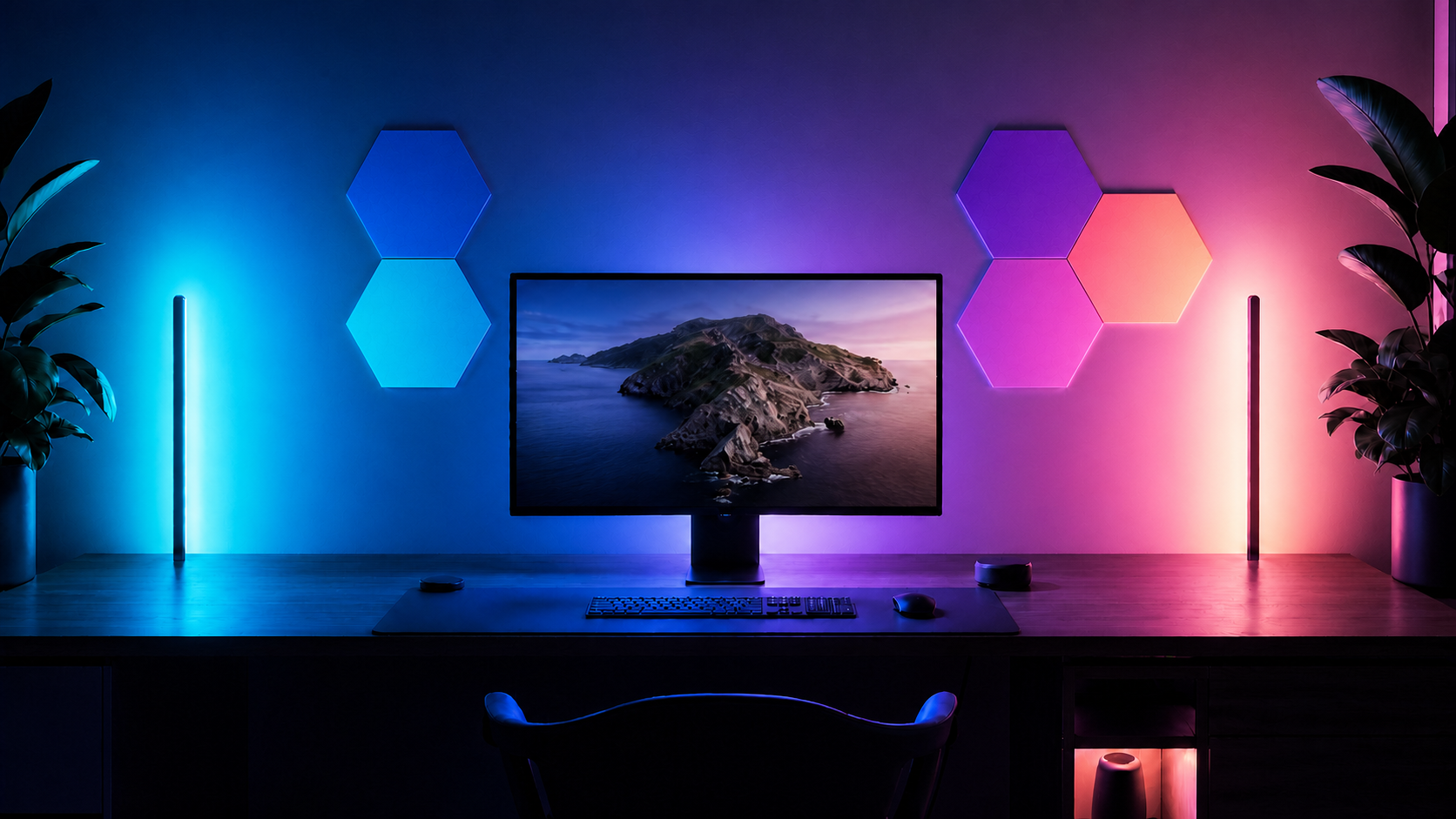
CURATED THEMES
Set the room
without the screen.
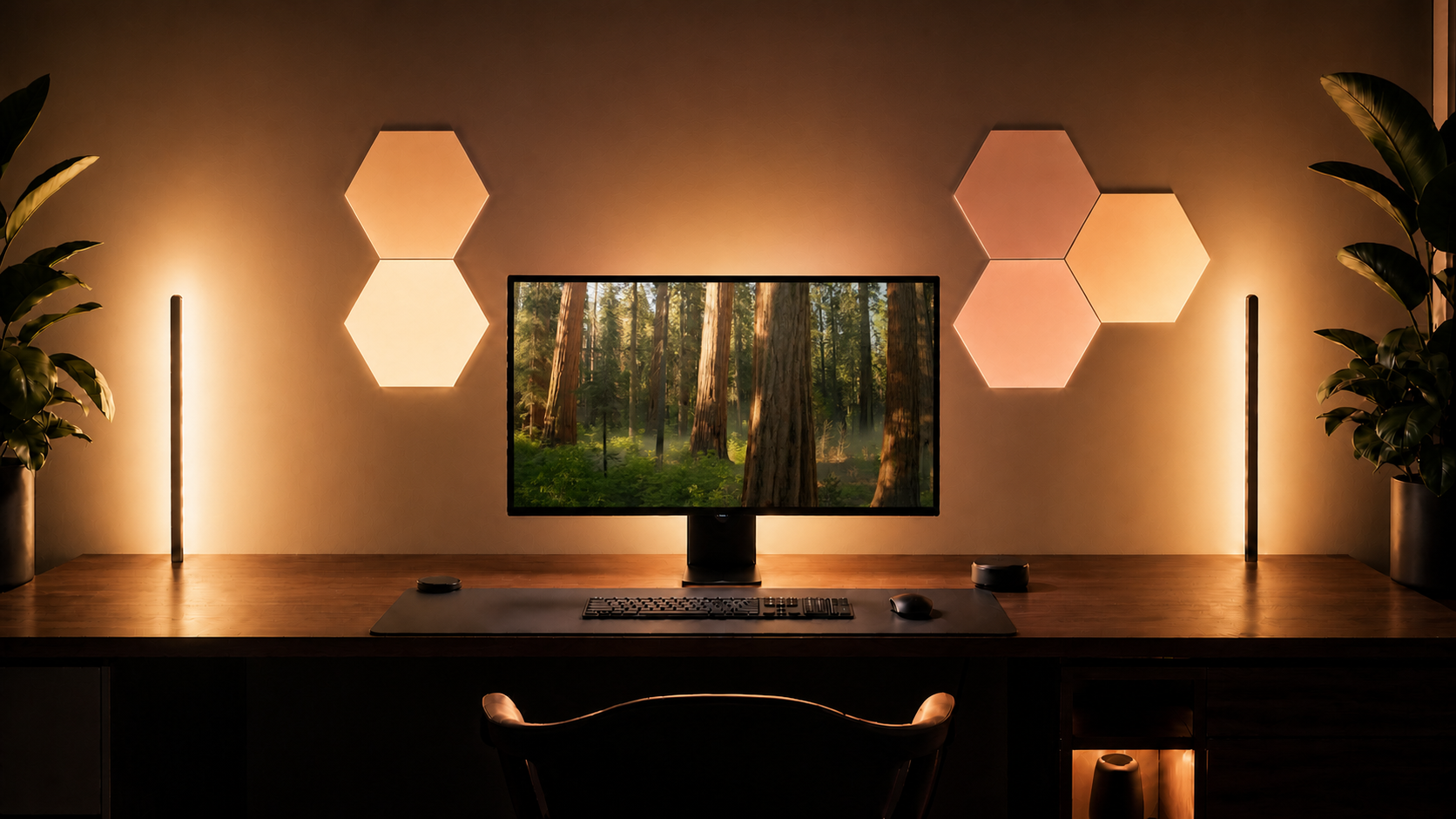
Ambient
GOVEE, FIRST
Start with the lights
you already own.
Browse the current Govee Desktop DreamView directory and see which models are listed for this beta. Every device is discovered locally; segment behavior remains model- and firmware-dependent.
Browse Govee devicesONE LICENSE. YOUR SETUP.
One purchase.
Yours to keep.
MAKE ROOM FOR YOUR SETUP
Your device.
Next on the list?
Tell us what you use. Device requests help prioritize future support. A request is not a guarantee of compatibility.
PERSONAL BETA LICENSE
$9.99 USD
One personal license unlocks full Govee device output,
Screen Sync, Music Sync, Area Settings, and every Theme in Lumify Beta.
A FEW GOOD QUESTIONS
Before the lights go on.
Does every Govee light work?
The directory includes Govee's desktop Movie/Gaming DreamView roster. Beta compatibility depends on the model, firmware, enabled LAN Control, and supported local protocol. We never present an unverified light as a guaranteed segmented device.
Will it work with my monitor?
The capture engine reads your display geometry, including portrait and landscape orientations. Lumify runs on Apple silicon Macs with macOS 14 or later. HDR, protected video, and unusual display setups still need broader validation.
Why does macOS ask for screen recording?
Screen access lets Lumify sample the colors on your selected display. It does not mean your screen is uploaded or saved. macOS controls this permission and may request renewed approval.
How does Music Sync work?
MusicSync makes your lights pulse to beats, bass, and kick hits. Use a Custom Color with System Audio, or choose Album Artwork colors with Apple Music. MusicSync does not analyze your screen; use LightSync for screen color matching. Audio is analyzed locally, without recording or uploading it.
Can I use another lighting app at the same time?
Only one application should control a device at a time. Competing RGB apps can overwrite colors and interrupt synchronization.
What happens after I buy?
Lumify itself remains free to download. Stripe confirms the $9.99 license purchase, then your personal license key appears on the download page, is sent by email, and unlocks full hardware output in the app.
Where is the community?
A Lumify Discord community is planned. The invitation will be added here when it is available.